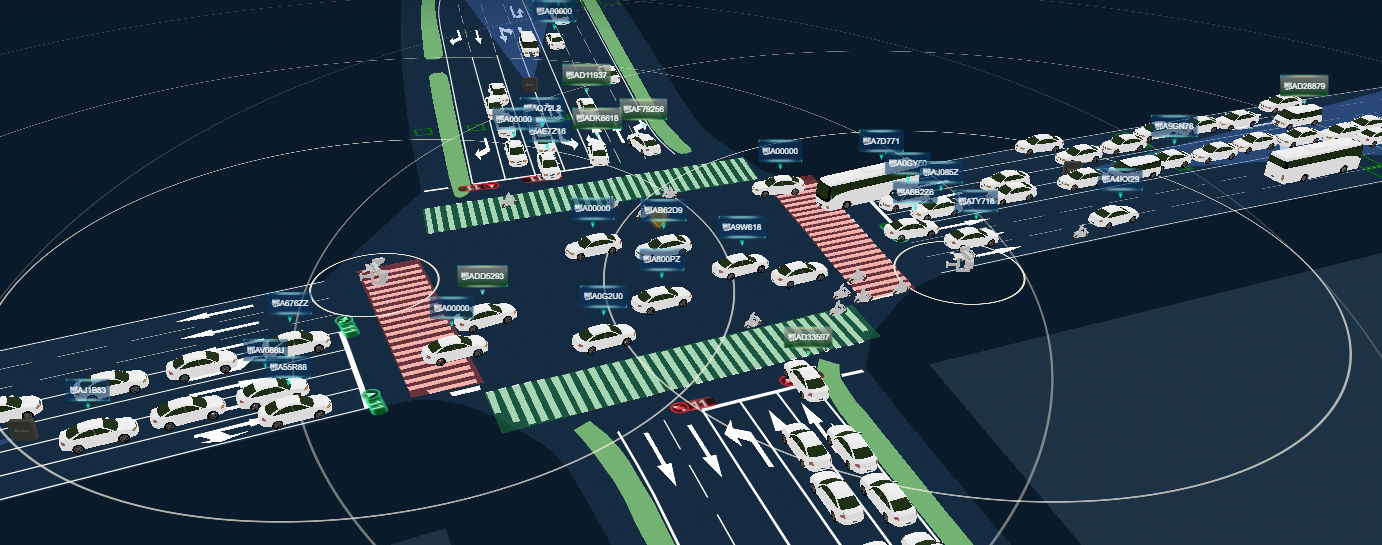
前几天项目中有个需求是基于Vue框架使用CesiumJS库,需要创建里面gltf模型对应的Popup弹窗组件 来介绍一些关于这个entity的详细信息。
- 因为UI样式定制化较高,且可能多处需要调用,所以需要封装一个
Popup组件。 - 并且如果使用原生
html文本来一点点编写组件的话,开发起来会很呆 - -| 所以,改用创建并挂载一个Vue页面组件来实现这个弹窗页面。 - 接下来介绍一下实现步骤:
先全局注册一个
popup组件,并在原型中加入一些配置方法,借鉴常用的一些其他库的popup应该具备的方法,一般会有:setOffset设置偏移、remove删除、setTitle设置标题、setPosition设置位置、setHTML设置内容、addTo添加至哪个场景,代码如下:1
2
3
4
5
6
7
8
9
10
11
12
13
14
15
16
17
18
19
20
21
22
23
24
25
26
27
28
29
30
31
32
33
34
35
36
37
38
39
40
41
42
43
44
45
46
47
48
49
50
51
52
53
54
55
56
57
58
59
60
61
62
63
64
65
66
67
68
69
70
71
72
73
74
75
76
77
78
79
80
81
82
83
84
85
86
87
88
89
90
91
92
93
94
95
96
97
98
99
100
101
102
103
104
105
106
107
108
109
110
111
112
113
114
115
116
117
118
119
120
121
122
123
124
125
126
127
128
129
130
131
132
133
134
135
136
137
138
139
140
141
142
143
144
145
146
147
148
149
150
151
152
153
154
155
156
157
158
159
160var BaseEvent = function () {
this.handles = {}
this.cached = []
}
BaseEvent.prototype.on = function (eventName, callback) {
if (typeof callback !== "function") return;
if (!this.handles[eventName]) {
this.handles[eventName] = [];
}
this.handles[eventName].push(callback);
if (this.cached[eventName] instanceof Array) {
//说明有缓存的 可以执行
callback.apply(null, this.cached[eventName]);
}
}
BaseEvent.prototype.emit = function () {
if (this.handles[arguments[0]] instanceof Array) {
for (let i = 0; i < this.handles[arguments[0]].length; i++) {
this.handles[arguments[0]][i](arguments[1]);
}
}
//默认缓存
this.cached[arguments[0]] = Array.prototype.slice.call(arguments, 1);
}
var CesiumPopup = (function () {
var _panelContainer = null
var _contentContainer = null
var _closeBtn = null
var _renderListener = null
var _viewer = null
var CesiumPopup = function (options) {
//继承
BaseEvent.call(this)
this.className = options.className || ''
this.title = options.title || ''
this.offset = options.offset || [0, 0]
// this.render = this.render.bind(this)
this.closeHander = this.closeHander.bind(this)
}
CesiumPopup.prototype = new BaseEvent()
CesiumPopup.prototype.constrctor = CesiumPopup
CesiumPopup.prototype.addTo = function (viewer) {
if (_viewer) this.remove()
_viewer = viewer
this.initPanle();
//关闭按钮
_closeBtn.addEventListener('click', this.closeHander, false)
if (this.position) {
_panelContainer.style.display = 'block'
_renderListener = _viewer.scene.postRender.addEventListener(this.render, this)
}
return this
}
CesiumPopup.prototype.initPanle = function () {
var closeBtnIcon = '<svg t="1603334792546" class="icon" viewBox="0 0 1024 1024" version="1.1" xmlns="http://www.w3.org/2000/svg" p-id="1328" width="32" height="32"><path d="M568.922 508.232L868.29 208.807a39.139 39.139 0 0 0 0-55.145l-1.64-1.64a39.139 39.139 0 0 0-55.09 0l-299.367 299.82-299.425-299.934a39.139 39.139 0 0 0-55.088 0l-1.697 1.64a38.46 38.46 0 0 0 0 55.09l299.48 299.594-299.424 299.48a39.139 39.139 0 0 0 0 55.09l1.64 1.696a39.139 39.139 0 0 0 55.09 0l299.424-299.48L811.56 864.441a39.139 39.139 0 0 0 55.089 0l1.696-1.64a39.139 39.139 0 0 0 0-55.09l-299.48-299.537z" p-id="1329"></path></svg>'
_panelContainer = document.createElement('div')
_panelContainer.classList.add('cesium-popup-panel')
if (this.className && this.className !== '') {
_panelContainer.classList.add(this.className)
}
_closeBtn = document.createElement('div')
_closeBtn.classList.add('cesium-popup-close-btn')
_closeBtn.innerHTML = closeBtnIcon
// header container
var headerContainer = document.createElement('div')
headerContainer.classList.add('cesium-popup-header-panel')
this.headerTitle = document.createElement('div')
this.headerTitle.classList.add('cesium-poput-header-title')
this.headerTitle.innerHTML = this.title
headerContainer.appendChild(this.headerTitle)
_panelContainer.appendChild(_closeBtn)
_panelContainer.appendChild(headerContainer)
// content container
_contentContainer = document.createElement('div')
_contentContainer.classList.add('cesium-popup-content-panel')
_contentContainer.innerHTML = this.content
_panelContainer.appendChild(_contentContainer)
//tip container
var tipContaienr = document.createElement('div')
tipContaienr.classList.add('cesium-popup-tip-panel')
var tipDiv = document.createElement('div')
tipDiv.classList.add('cesium-popup-tip-bottom')
tipContaienr.appendChild(tipDiv)
_panelContainer.appendChild(tipContaienr)
_panelContainer.style.display = 'none'
// add to Viewer Container
_viewer.cesiumWidget.container.appendChild(_panelContainer)
this.emit('open')
}
CesiumPopup.prototype.setHTML = function (html) {
if (_contentContainer) {
_contentContainer.innerHTML = html
}
this.content = html
return this;
}
CesiumPopup.prototype.render = function () {
var geometry = this.position
if (!geometry) return
var position = Cesium.SceneTransforms.wgs84ToWindowCoordinates(_viewer.scene, geometry)
if (!position) {
return
}
if (_panelContainer) {
_panelContainer.style.left = position.x - _panelContainer.offsetWidth / 2 + this.offset[0] + 'px';
_panelContainer.style.top = position.y - _panelContainer.offsetHeight - 10 + this.offset[1] + 'px';
}
}
CesiumPopup.prototype.setPosition = function (cartesian3) {
this.position = cartesian3
return this;
}
CesiumPopup.prototype.addClassName = function (className) {
if (_panelContainer) {
_panelContainer.classList.add(className)
}
return this;
}
CesiumPopup.prototype.removeClass = function (className) {
if (_panelContainer) {
_panelContainer.classList.remove(className)
}
return this;
}
CesiumPopup.prototype.setTitle = function (title) {
this.headerTitle.innerHTML = title
return this;
}
CesiumPopup.prototype.setOffset = function (offset) {
this.offset = offset
return this;
}
CesiumPopup.prototype.closeHander = function () {
this.remove()
}
CesiumPopup.prototype.remove = function () {
if(_closeBtn)_closeBtn.removeEventListener('click', this.closeHander, false)
if (_closeBtn) {
_closeBtn.parentNode.removeChild(_closeBtn)
_closeBtn = null
}
if (_contentContainer) {
_contentContainer.parentNode.removeChild(_contentContainer)
_contentContainer = null
}
if (_panelContainer) {
_panelContainer.parentNode.removeChild(_panelContainer)
_panelContainer = null
}
if (_renderListener) {
_renderListener()
_renderListener = null
}
if (_viewer) {
_viewer = null
}
this.emit('close')
}
return CesiumPopup
})()对应样式文件如下,可以自己随意调整
1
2
3
4
5
6
7
8
9
10
11
12
13
14
15
16
17
18
19
20
21
22
23
/* pop框css*/
.cesium-popup-panel {
opacity: 0.8;
/*width: 312px;*/
position: absolute;
z-index: 0;
/*color: #00fcf9;*/
/*background: rgba(23, 50, 108, 0.6);*/
/*border: 1px solid #4674d6;*/
}
.cesium-popup-close-btn > svg:hover {
color: #00fcf9 ;
}
.cesium-popup-close-btn > svg {
display: none;
user-select: auto;
color: #4674d6;
cursor: pointer;
width: 15px;
/* height: 15px; */
}把此文件放到public文件夹下,在
index.html入口通过<script>标签引入,此时,即可全局使用此组件。使用:
首先是基本使用,即setHtml时直接把内容用原生html文本嵌入到弹窗内容中:1
2
3
4
5popup = new CesiumPopup({title: '信息'})
.setPosition(Cesium.Cartesian3.fromDegrees(lng, lat, 1.5))
.setHTML(`<div><ul><li>1</li><li>2</li><li>3</li></ul></div>`)
.addTo(viewer).setTitle('')
.setOffset([-100, -180])其次是稍微高级点的用法,先引入一个
Vue组件,然后setHtml时提供一个唯一div的容器给popup弹窗,最后把之前引入的Vue组件挂载到这个唯一div的容器上,此时也可实现props传值,同时方便了组件编写开发:1
2
3
4
5
6
7
8
9
10
11
12popup = new CesiumPopup({title: '信息'})
.setPosition(Cesium.Cartesian3.fromDegrees(lng, lat, 1.5))
.setHTML(`<div id="cesium_vehicle_popup"></div>`)
.addTo(viewer).setTitle('')
.setOffset([-100, -180])
// 这里的VehiclePopup是引入的其他Vue文件组件
new VehiclePopup({
// 注意这个propsData是固定写法,里面的model才是穿的props对象
propsData: {
model: this.detailData
},
}).$mount('#cesium_vehicle_popup')之后需要进行
popup组件位置的调整和内容的改变只需要使用定义好的方法传参即可