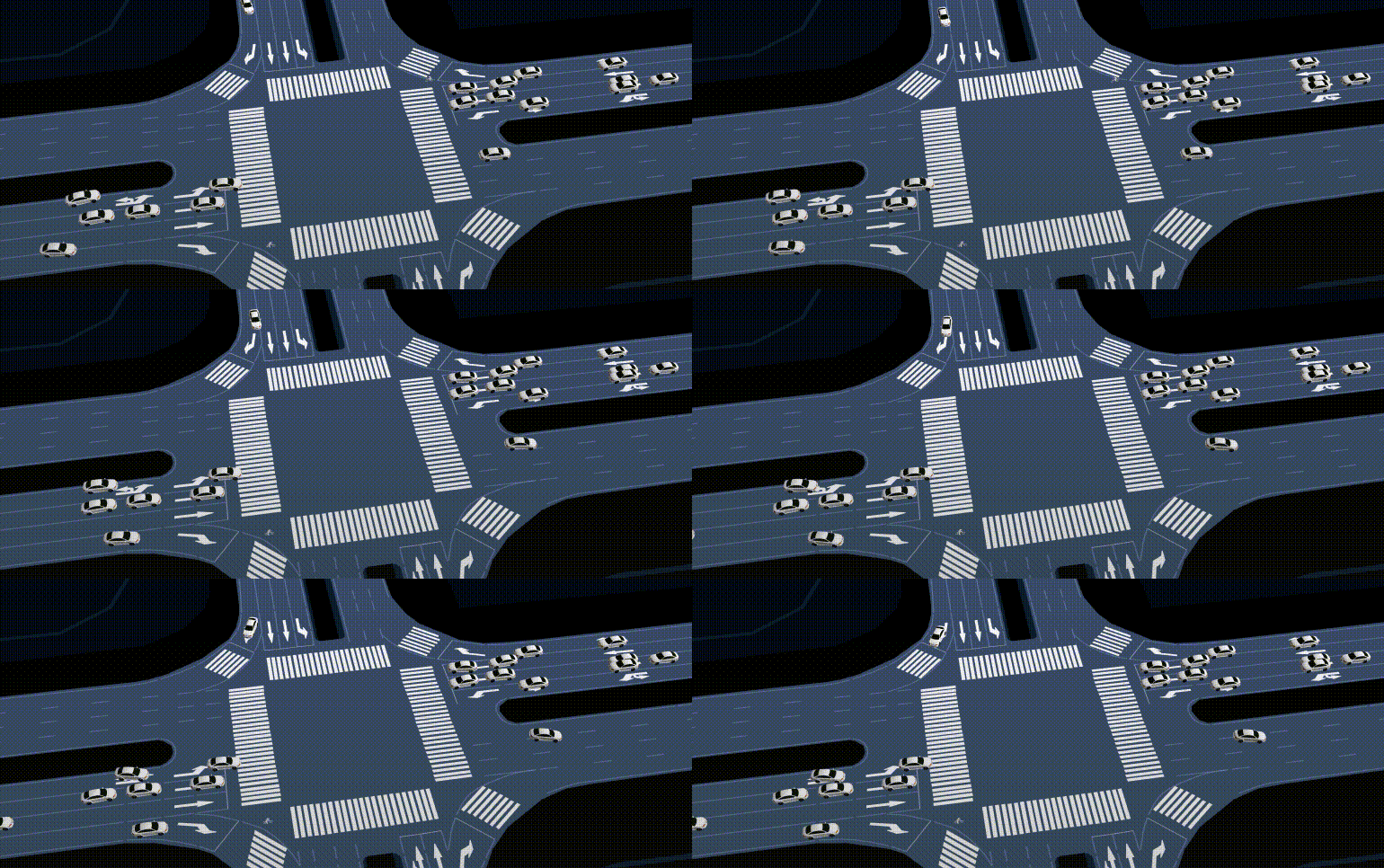
- 项目需求:在 cesium 场景中为 entity 添加跟随弹窗,并且弹窗样式复杂
- 实现思路:
- 如果是简单的 label 添加一行文字, 可以使用 billboard 直接完成
- 当前需求是复杂样式弹窗,所以需要根据使用框架考虑以组件的形式加载
- 我这边只在 vue 项目中使用,v2 v3 都有,所以涉及其他框架的组件 render 不是很清楚,但是基本原理应该是相似的
- 步骤:
- 创建一个 vue 组件,用于展示内容,例如 panel.vue
- 创建一个容器,使用 cesium 的 api 挂载到 cesium 上
1
2
3
4
5
6
7
8
9
10
11
import pop from './pop.vue'
let toAppendDiv = document.createElement('div')
toAppendDiv.id = id
toAppendDiv.style.position = 'absolute'
viewer.cesiumWidget.container.appendChild(toAppendDiv)
let vNode = h(pop, {model: {name: clickIndexStr}})
nextTick(() => {
render(vNode, document.getElementById(clickIndexStr.value))
panels[clickIndexStr.value] = toAppendDiv
clickIndex.value++
}) - 在 postRender 添加监听事件,以实现弹窗位置跟随视角变化以及实体运动的效果
1
2
3
4
5
6
7
8
9
10
11
12
13viewer.scene.postRender.addEventListener(rerender)
const rerender = () => {
for (let key in panels) {
let targetPanel = panels[key]
let positionI = Cesium.Cartesian3.fromDegrees(clickLngLats[key][0], clickLngLats[key][1], 0)
let position = Cesium.SceneTransforms.wgs84ToWindowCoordinates(viewer.scene, positionI)
if (position) {
targetPanel.style.left = position.x + 'px'
targetPanel.style.top = position.y + 'px'
}
}
}
- 文章链接: http://ninglx.github.io/2025/02/21/Cesium为entity添加跟随弹窗/
- 版权声明: 本网站所有文章除特别声明外,均采用 CC BY-NC-ND 4.0 许可协议。转载请注明出处!